
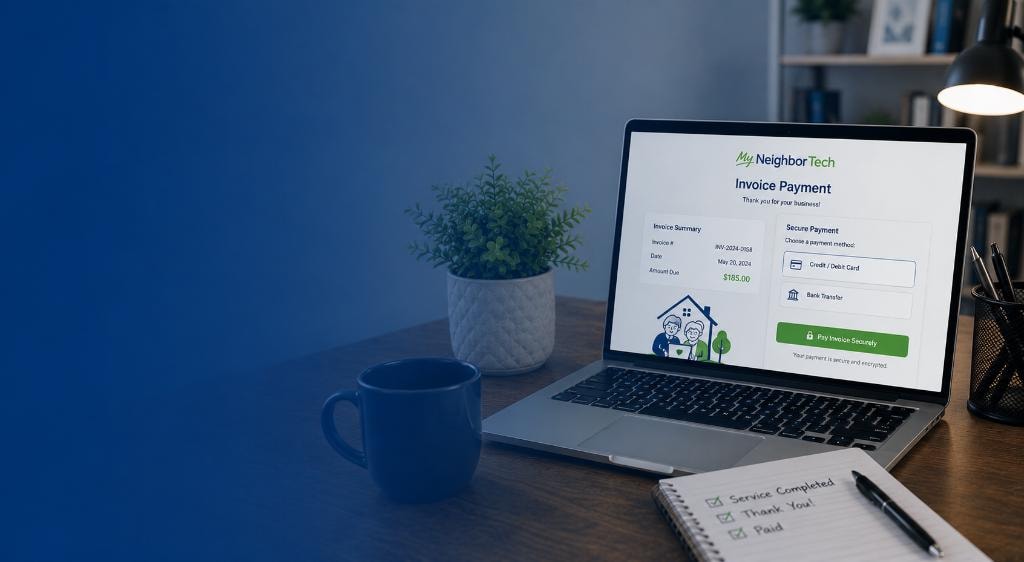
Pay Your Invoice
Securely pay a past due invoice or subscription balance online. Have questions about your bill? Give us a call and we'll walk you through it.
Find your invoice
Enter your invoice number and the name on the invoice to look up your balance.
What you can pay
Past Due Invoice
Pay an outstanding balance for a completed service visit — in-home or virtual.
Monthly Subscription
Pay a past due balance on your ongoing tech support or coaching subscription.
Accepted payment methods
How it works
Service is completed
We finish your on-site or virtual service request and confirm the final cost with you.
You receive an invoice
We send your invoice by email or text with the total amount due and payment instructions.
Pay securely online
Use the link in your invoice or the button below to pay your balance safely through Stripe.
Need help with your invoice?
Not sure of your invoice number, or have a question about your bill? We're happy to help — just give us a call or text.
Where is my invoice number?
Your invoice number was included in the email or text we sent after your service was completed. Just enter the digits — for example, type 1 for invoice MNT-0001. Can't find it? Give us a call and we'll look it up for you.